| Set Away Password |
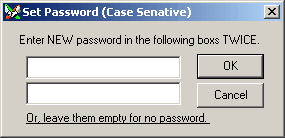
Away Password works similar with screensaver. However, screensaver is active while you leave your computer for a period of time. Away Password is active when you minimize x Chat main window.
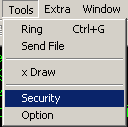
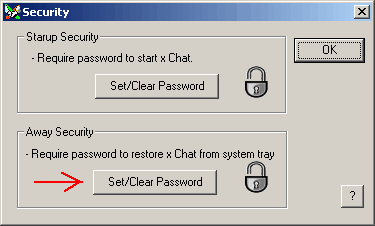
Set Password
Activate the Away Password
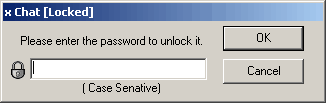
Restore x Chat Main Window